Device Controls
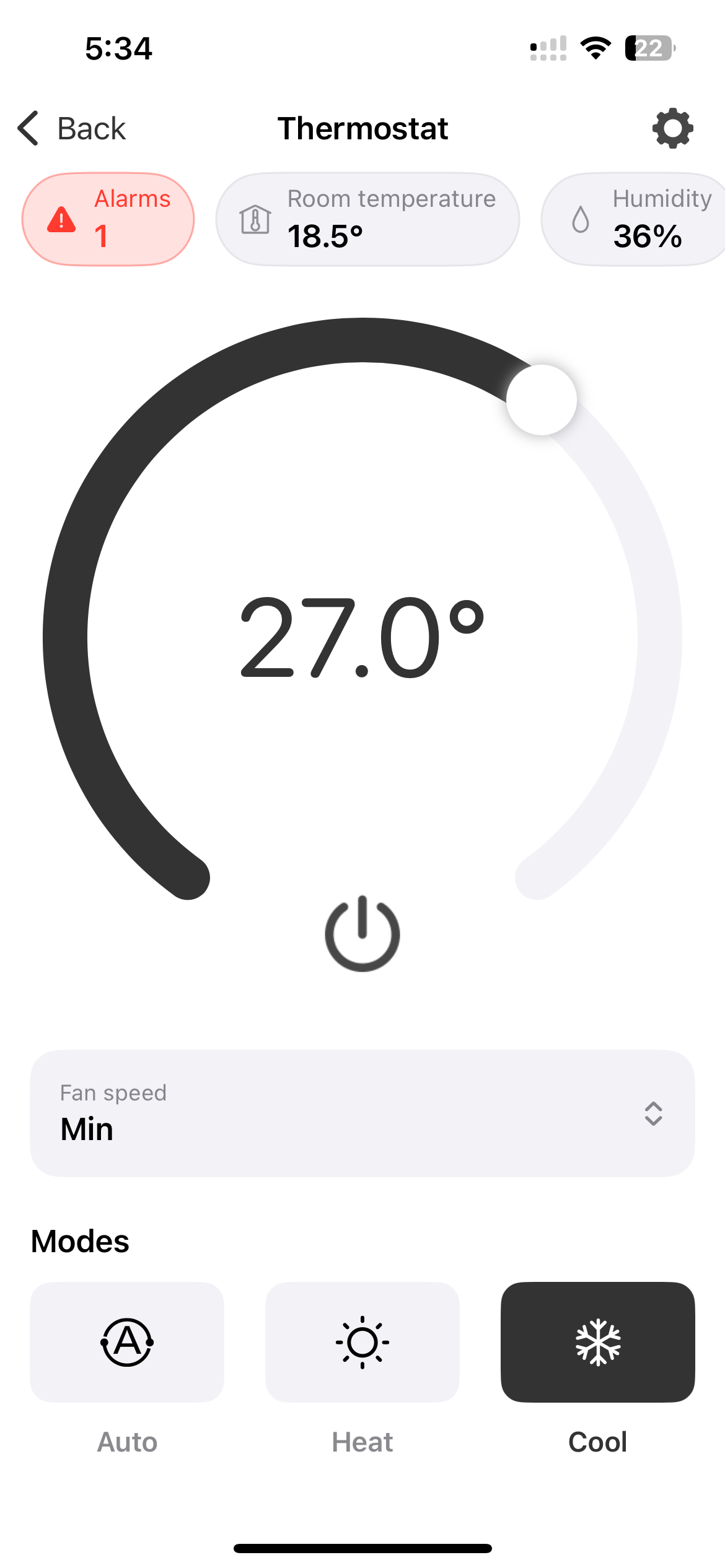
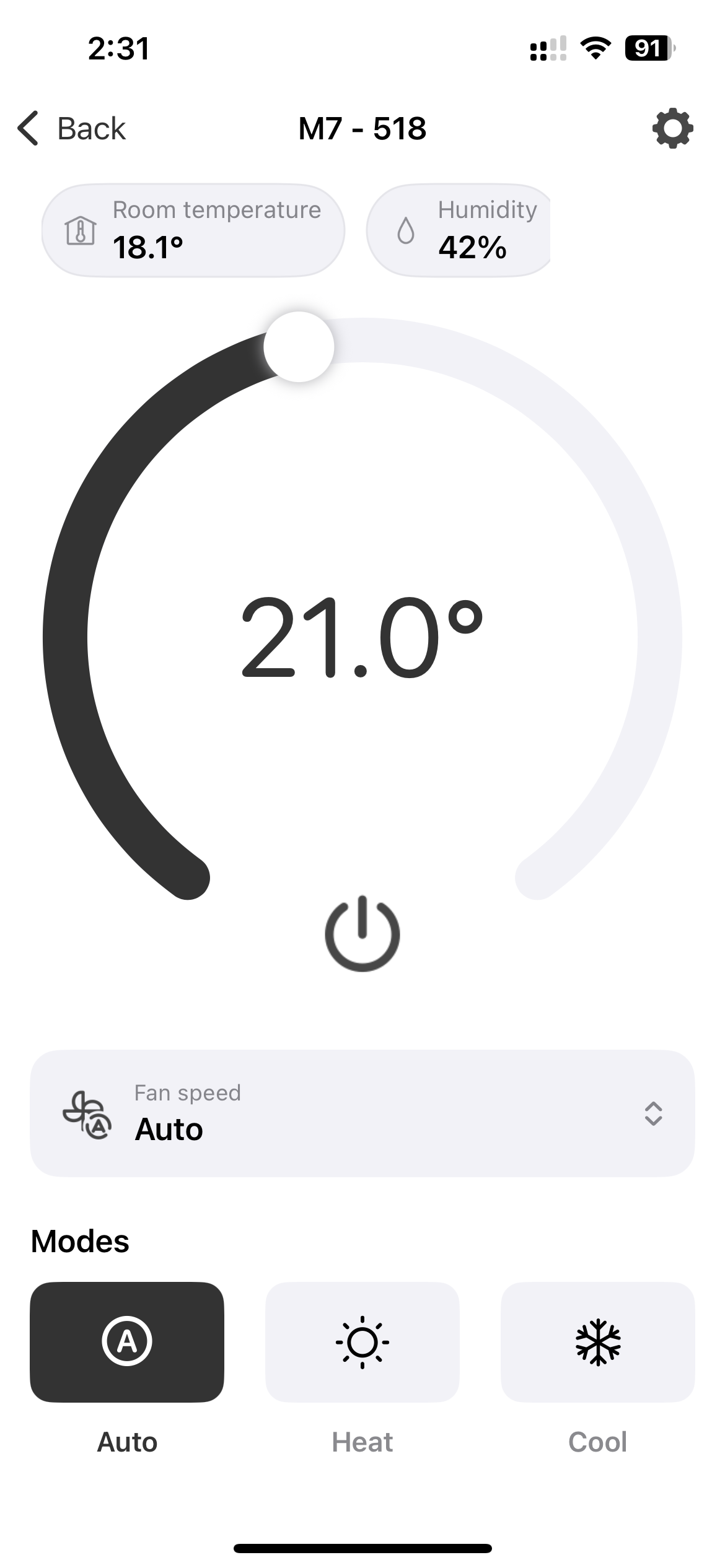
Tap on a device from the home screen to open its control view. From here you can:
- Adjust the target temperature using the circular dial.
- Switch between Auto, Heat, and Cool modes.
- Change the fan speed (for fancoils).
- Turn the device on or off using the power button.
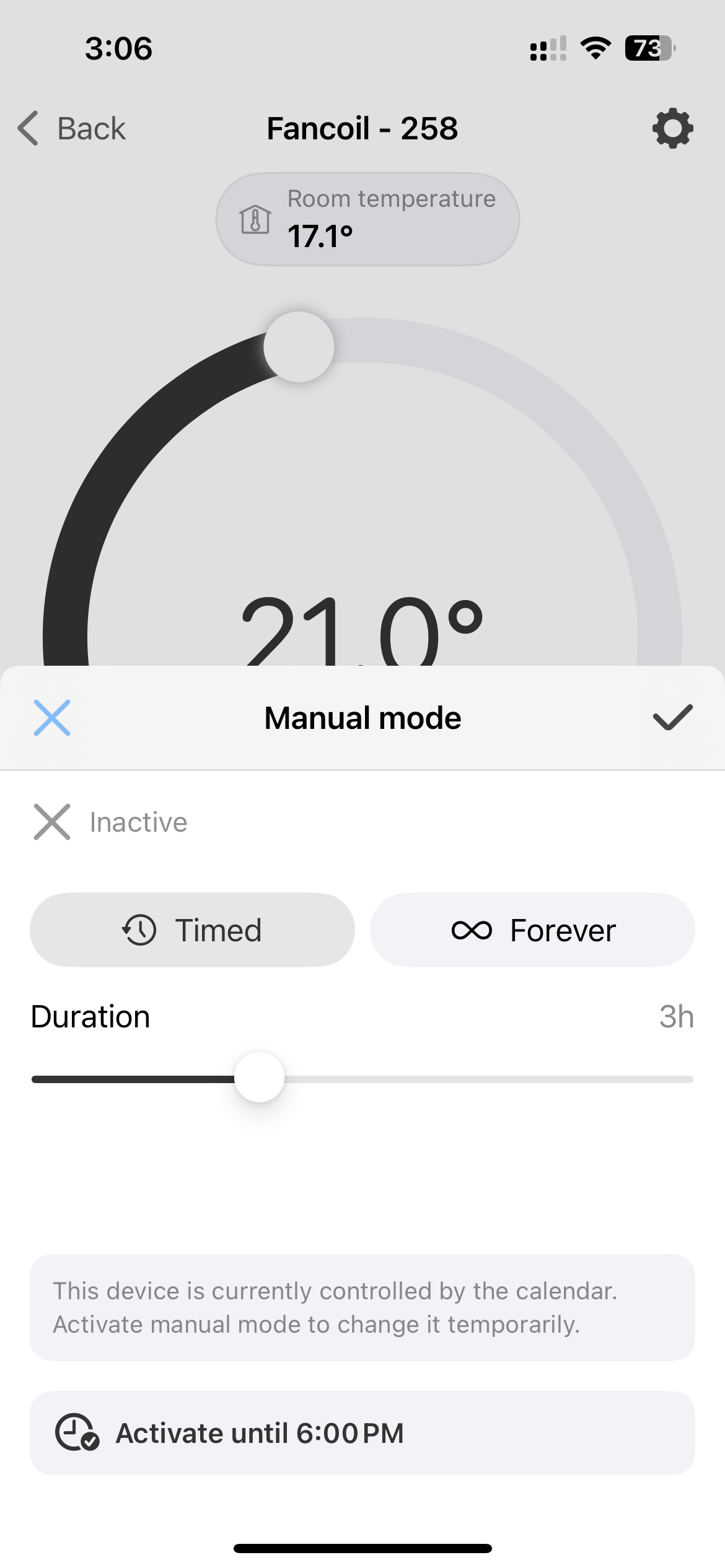
When an active calendar is controlling a device and you try to modify its state, the app will prompt you to activate manual mode to temporarily override the calendar.
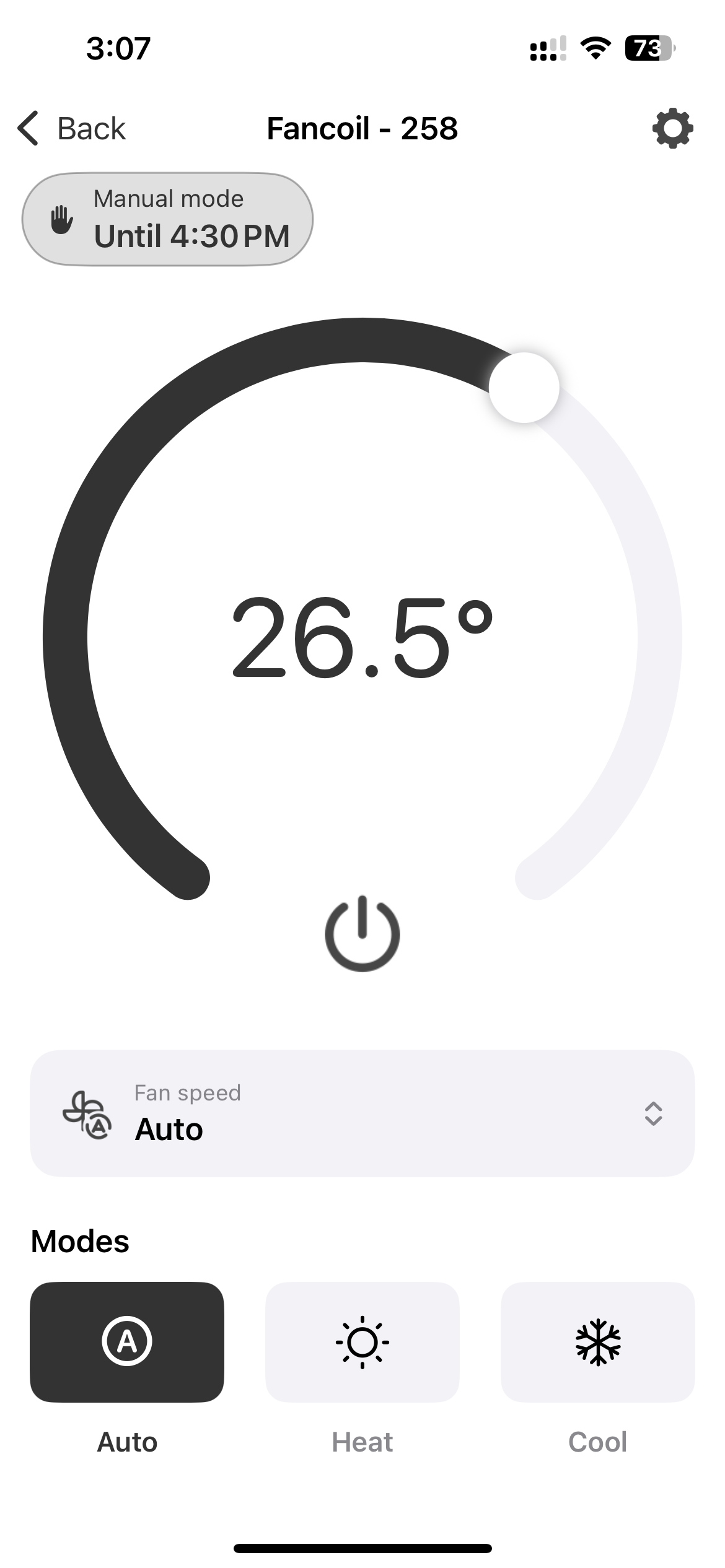
Once in manual mode, the control view shows a badge indicating when the override will expire.
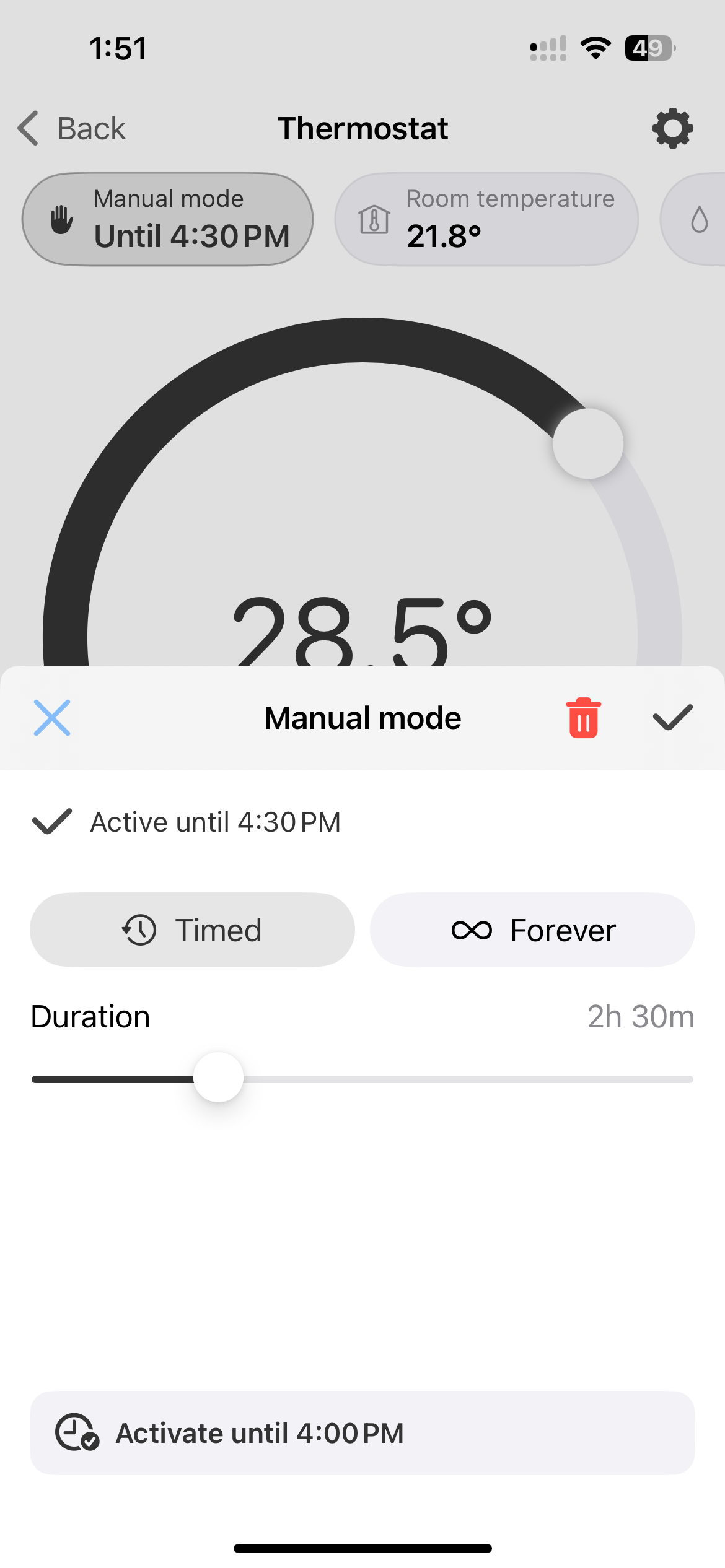
To cancel manual mode before it expires, tap the badge in the top-left corner and then tap the bin icon in the view that opens.
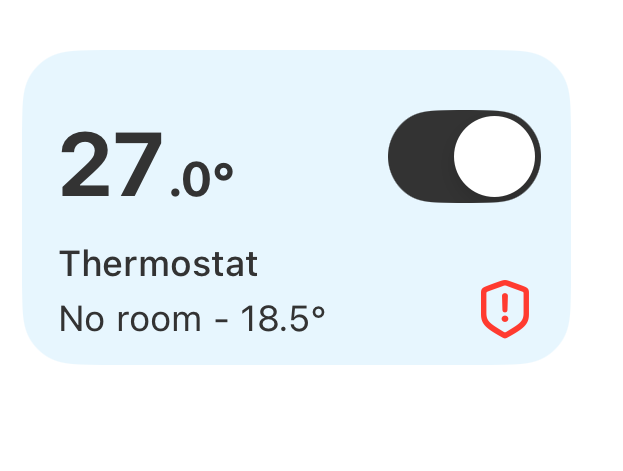
Alerts
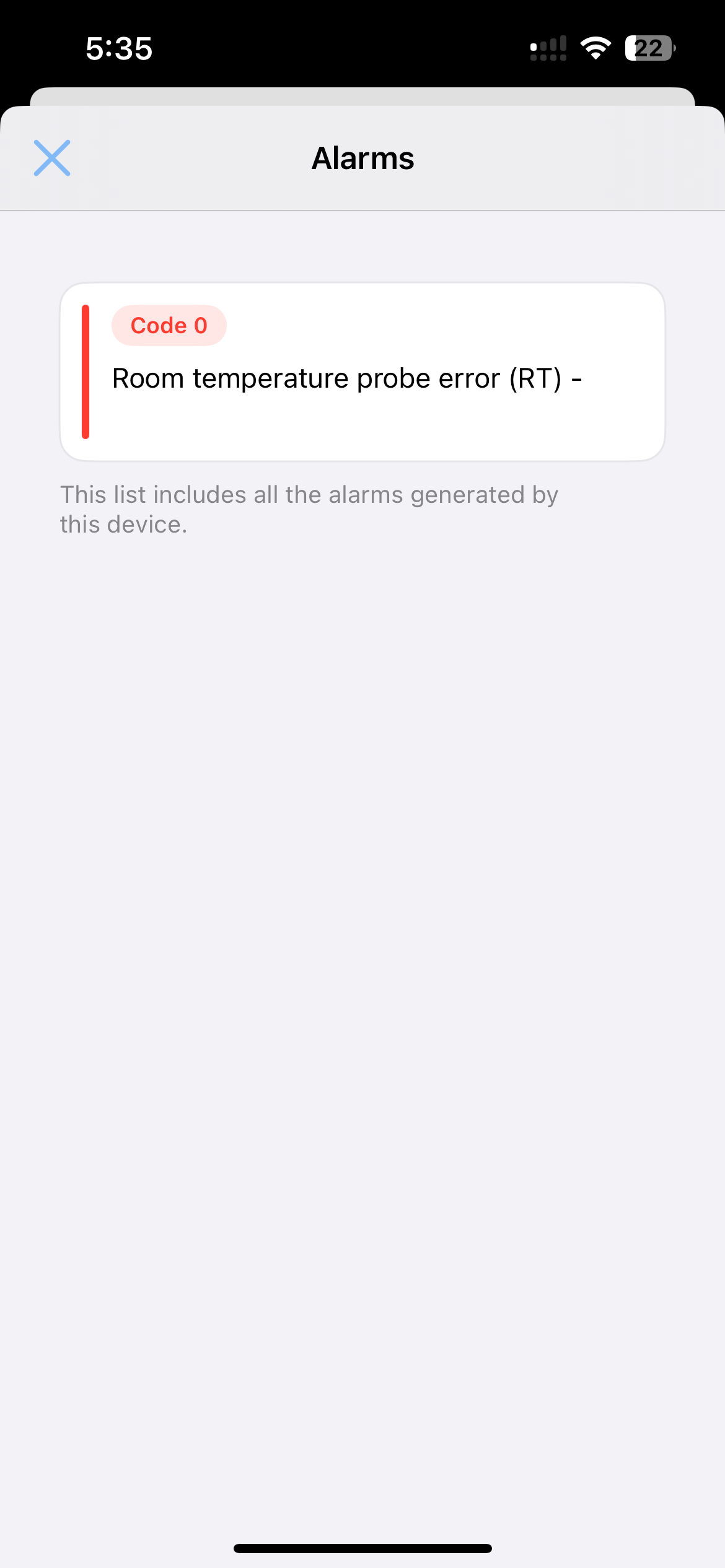
When a device encounters an issue it will report an alert. Devices with active alerts are clearly marked on the home screen. Tap the device to open its control view, then tap the badge in the top-left corner to see the list of active alerts.