Account Setup
Download the App
Download the app from your device’s store:
- iOS: search the Apple App Store
- Android: search Google Play Store
Create an Account
- Open the app and swipe through the introductory screens.
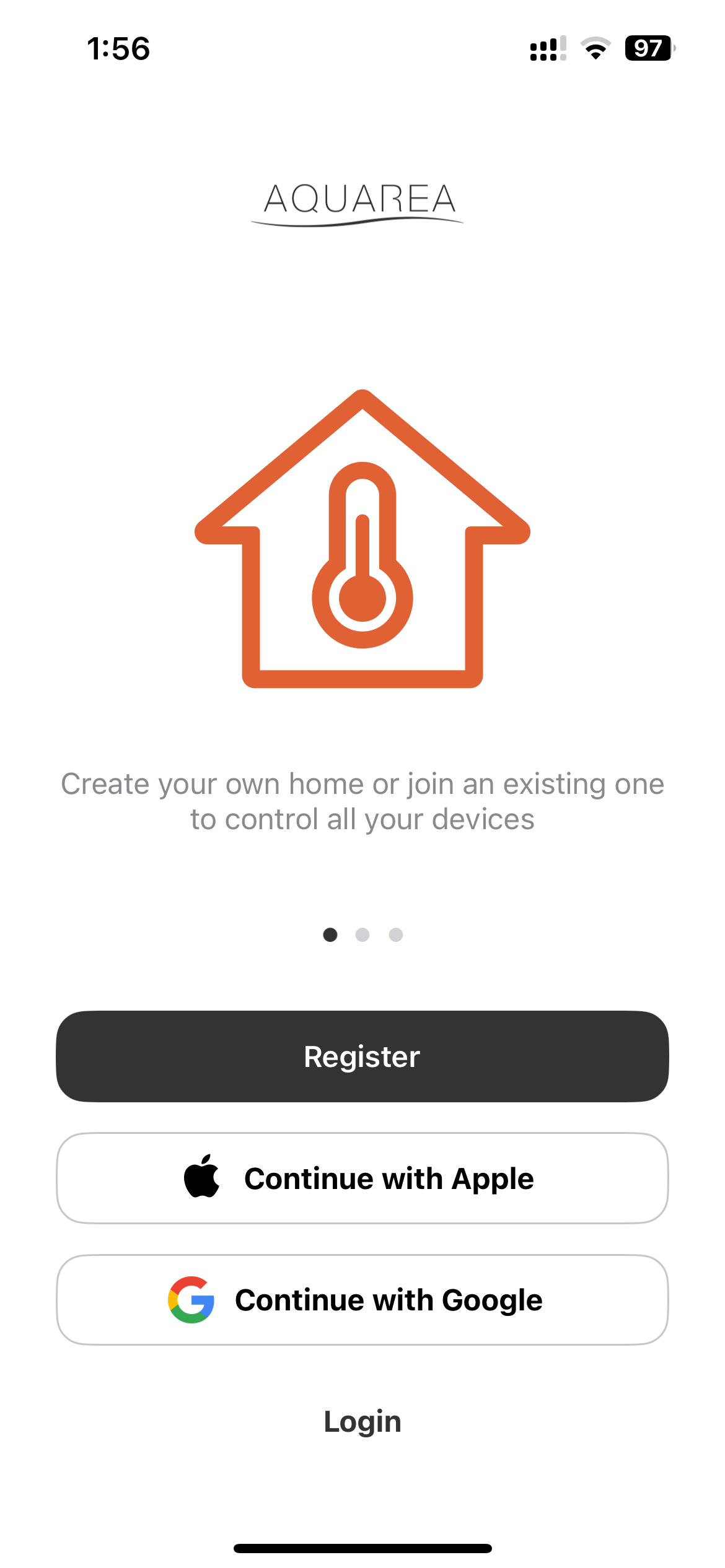
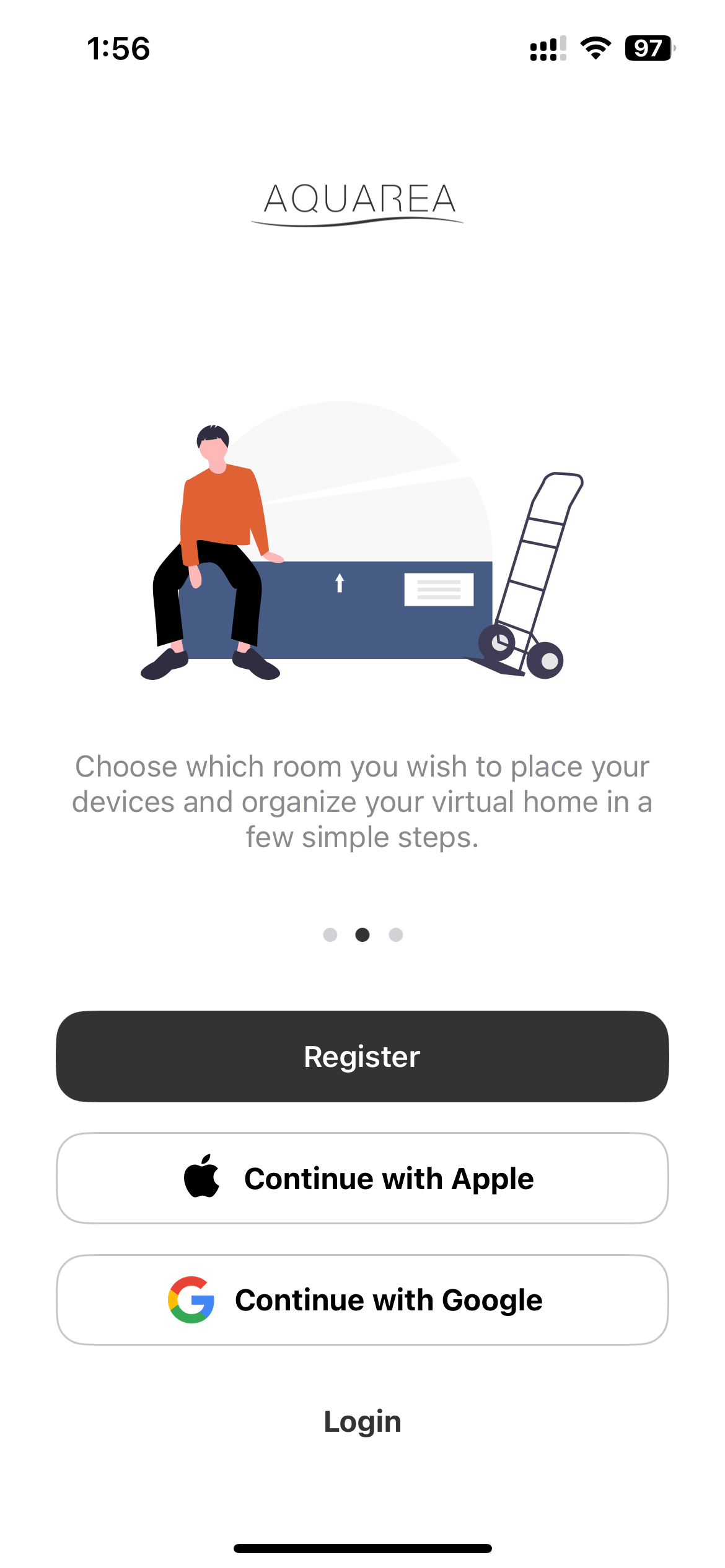
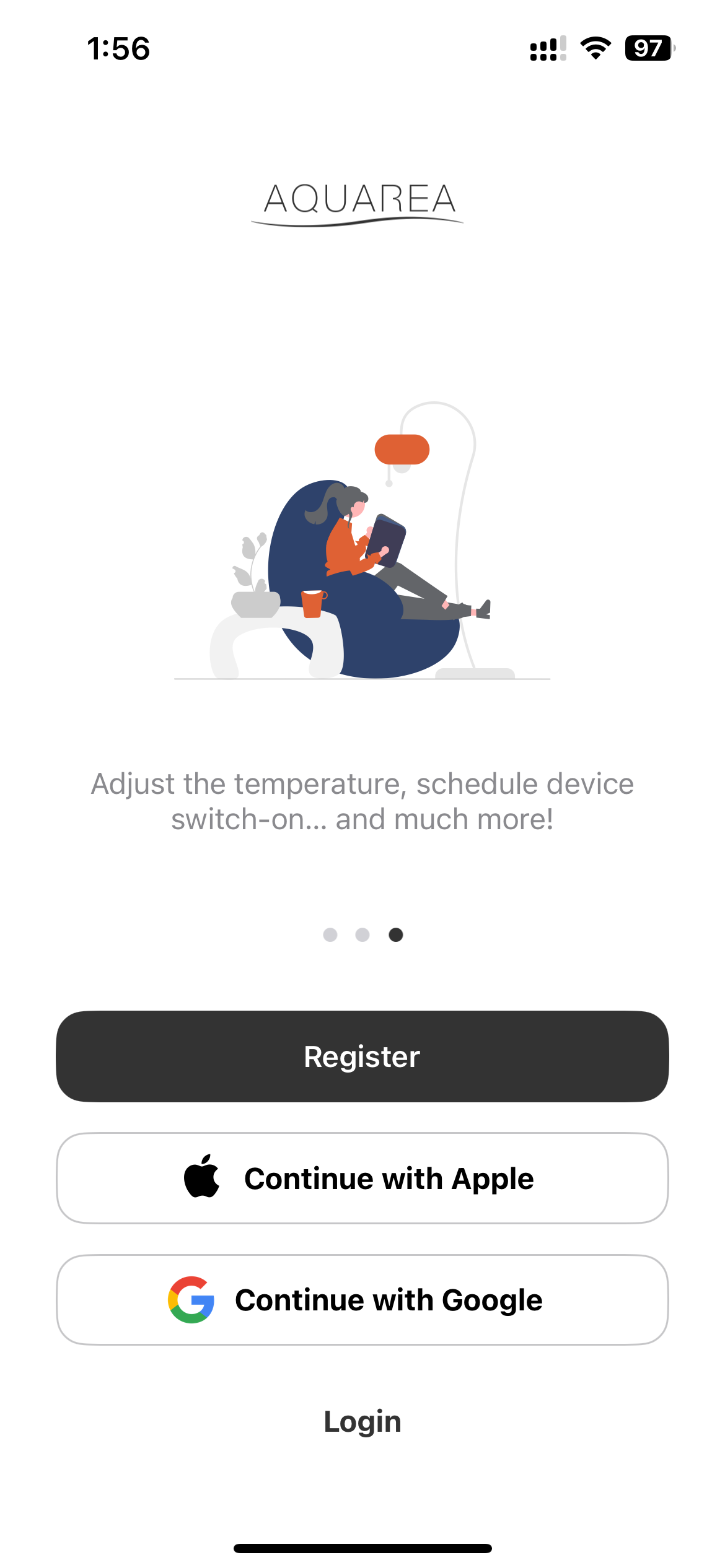
- Tap Register to create a new account. You can also sign up using Apple or Google.
- Fill in the registration form with your personal details (name, email, password).
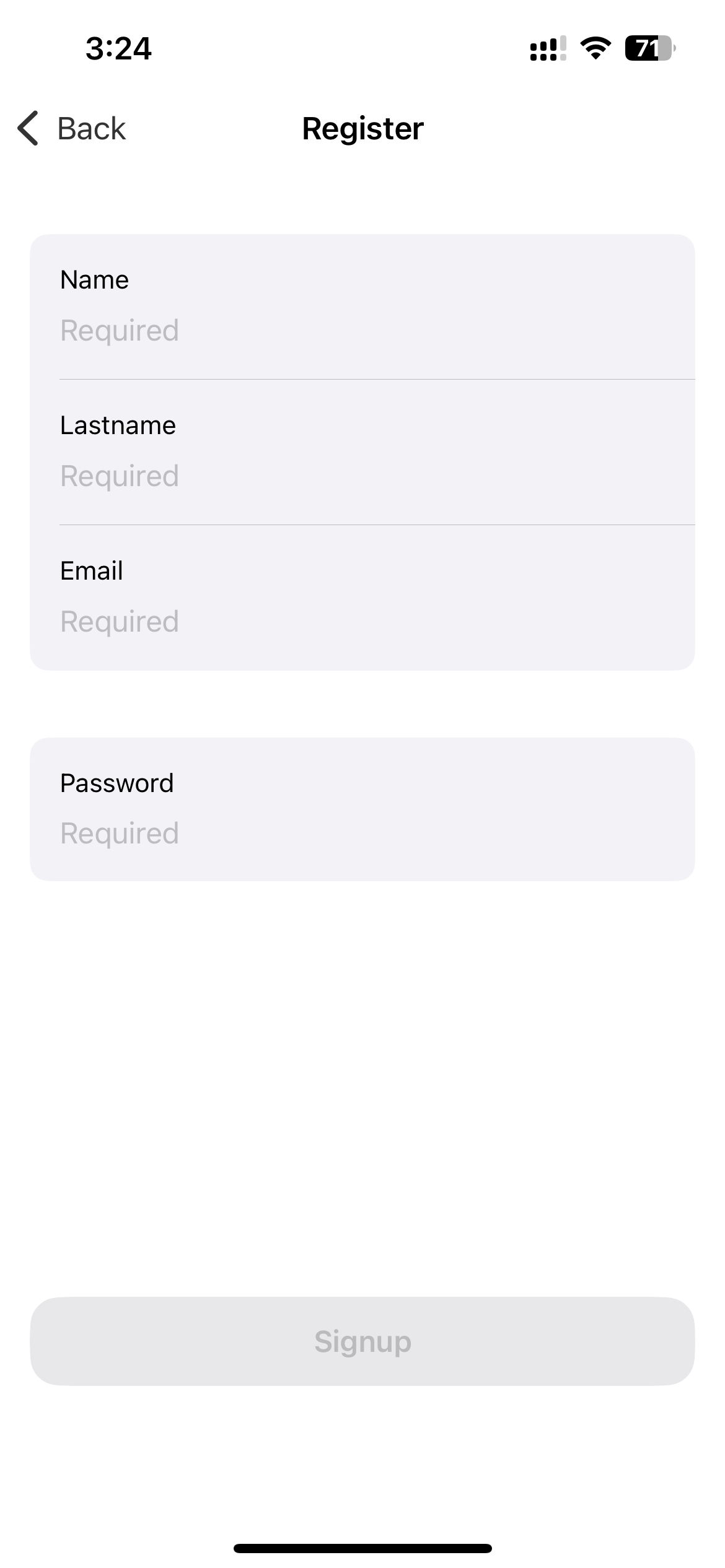
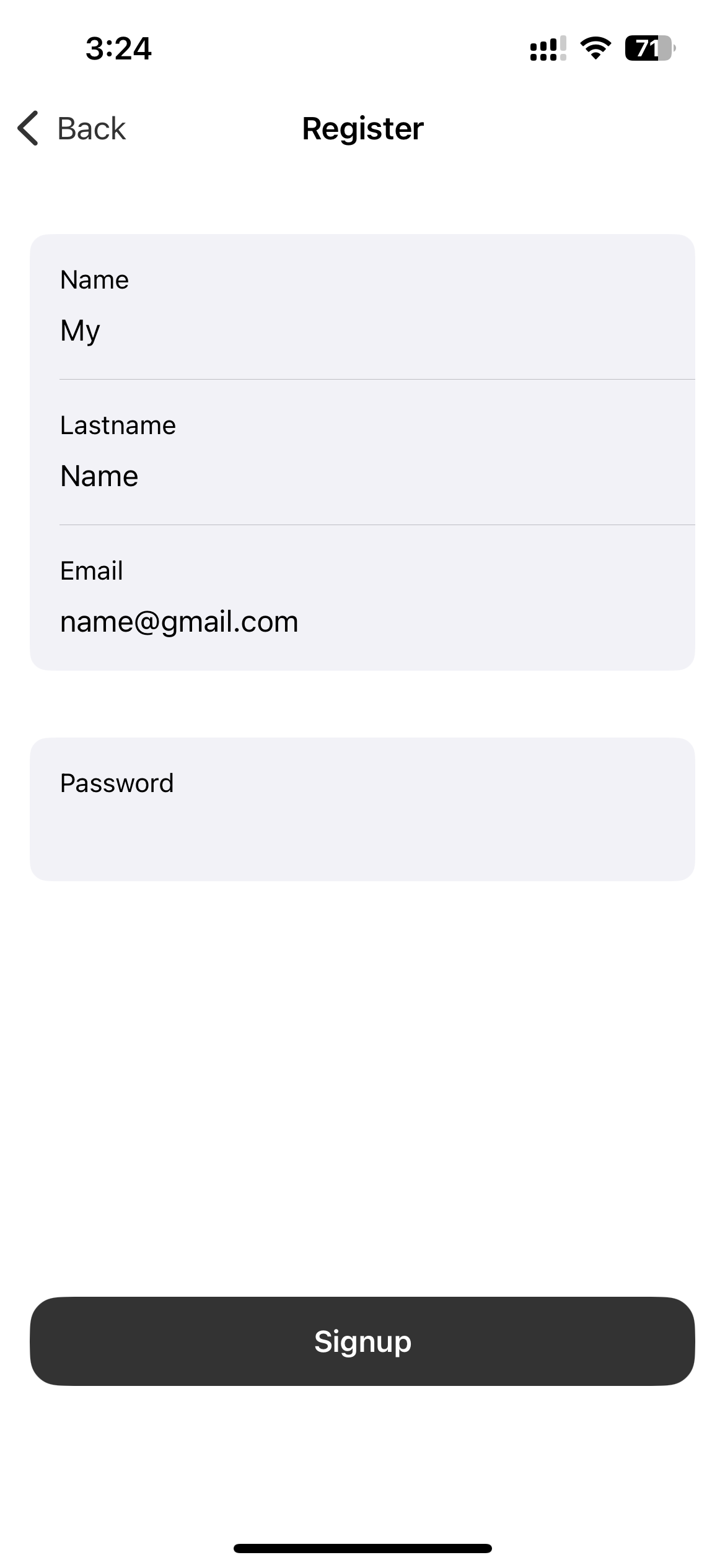
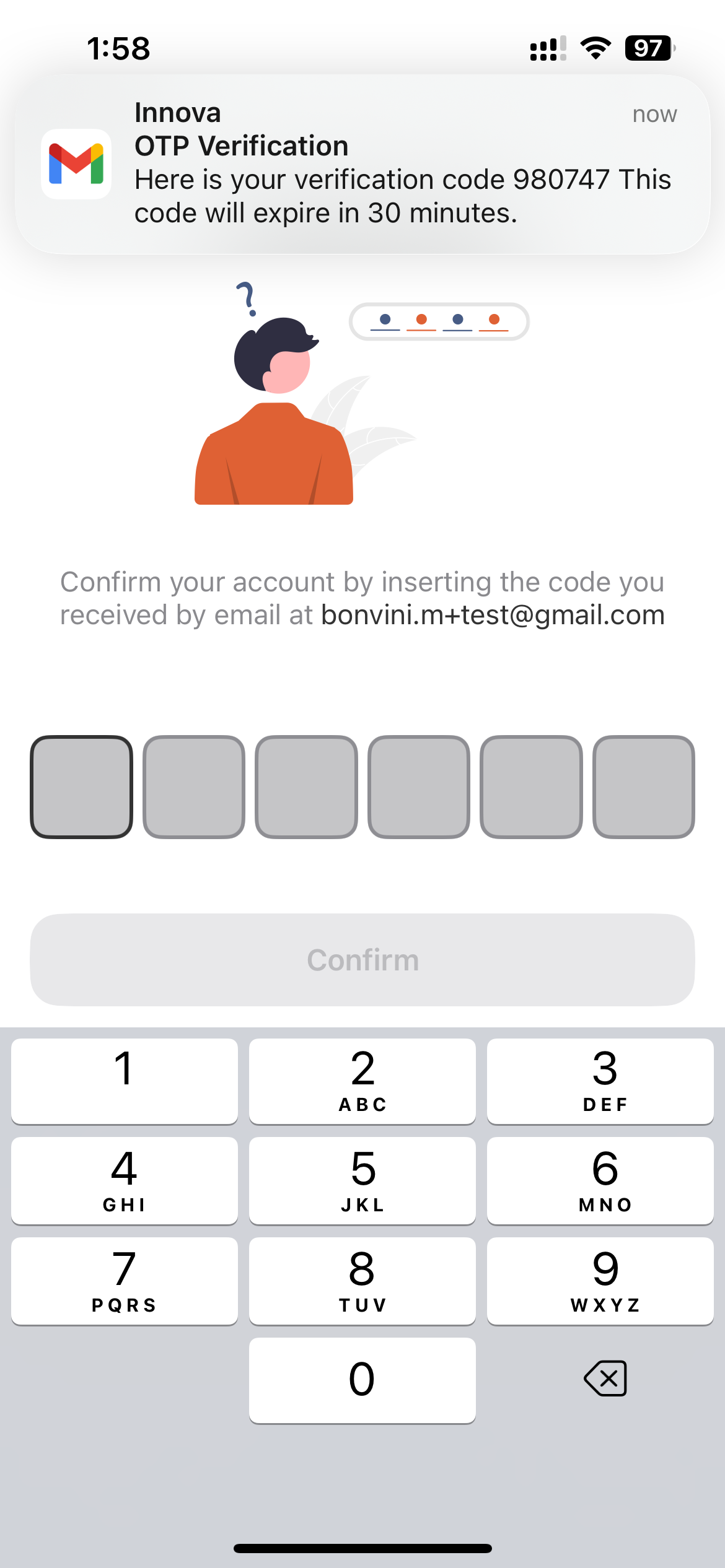
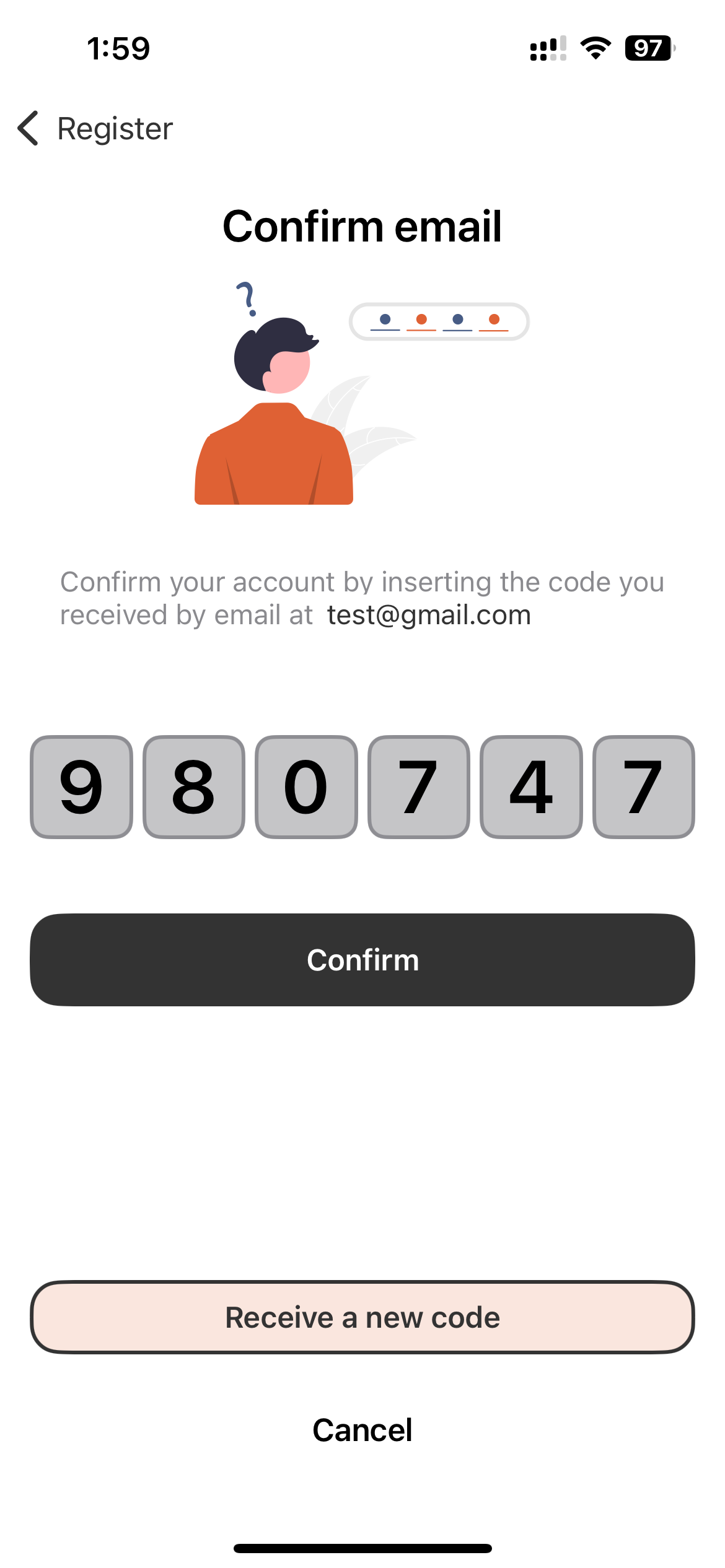
- You will receive a confirmation code via email. Enter it in the app to verify your account.
Create a Home
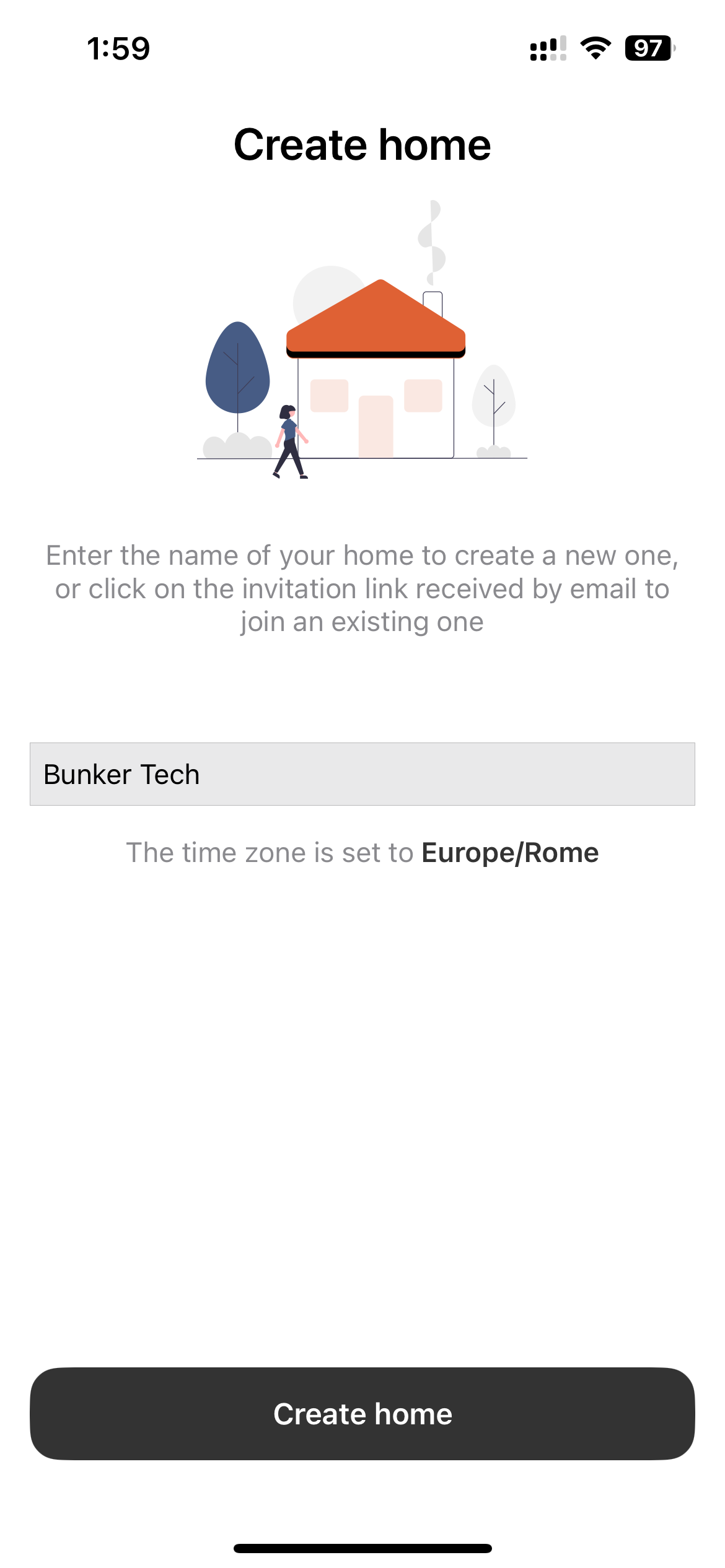
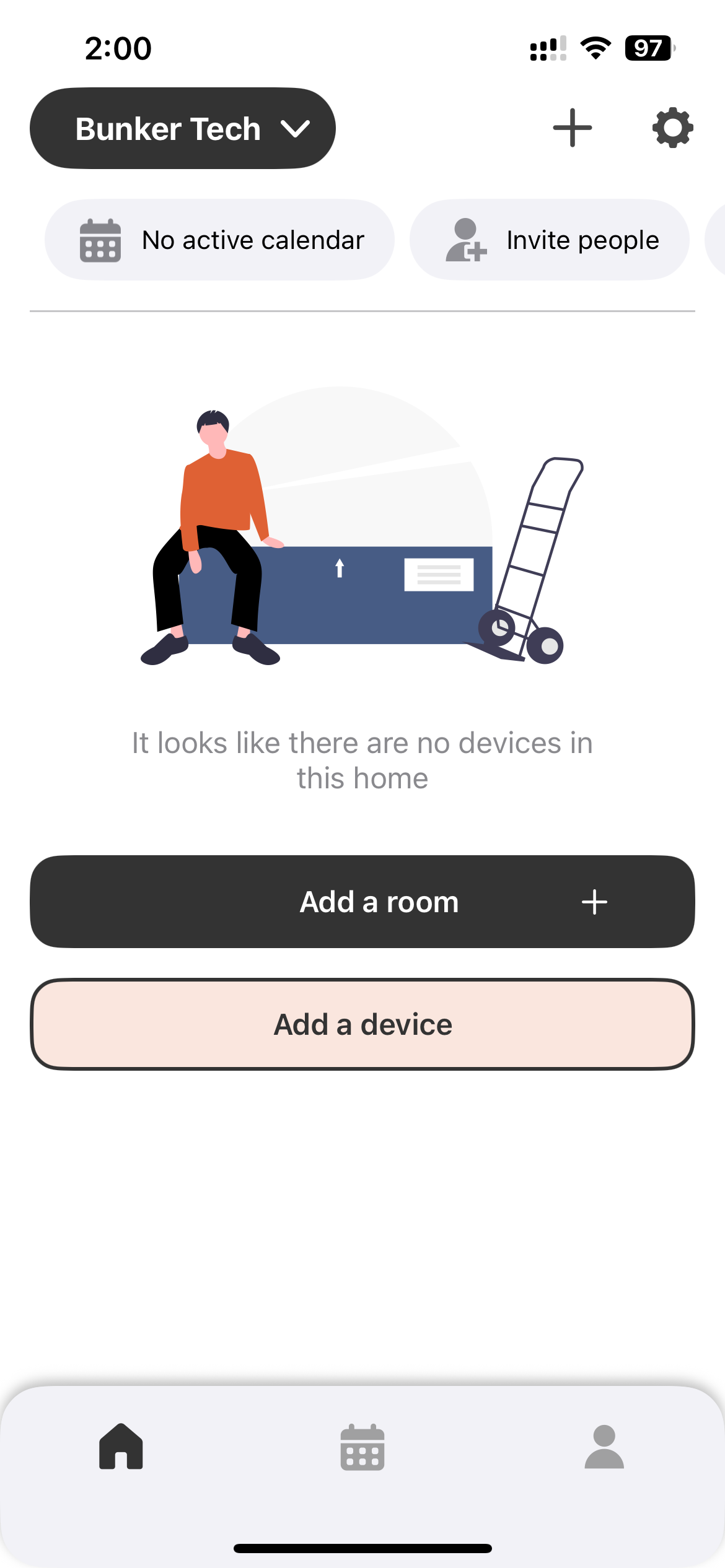
After verifying your account the app will prompt you to create a home — this represents your installation.
- Give your home a name (e.g., “My Home”, “Office”).
- Tap Create home to proceed.
Login
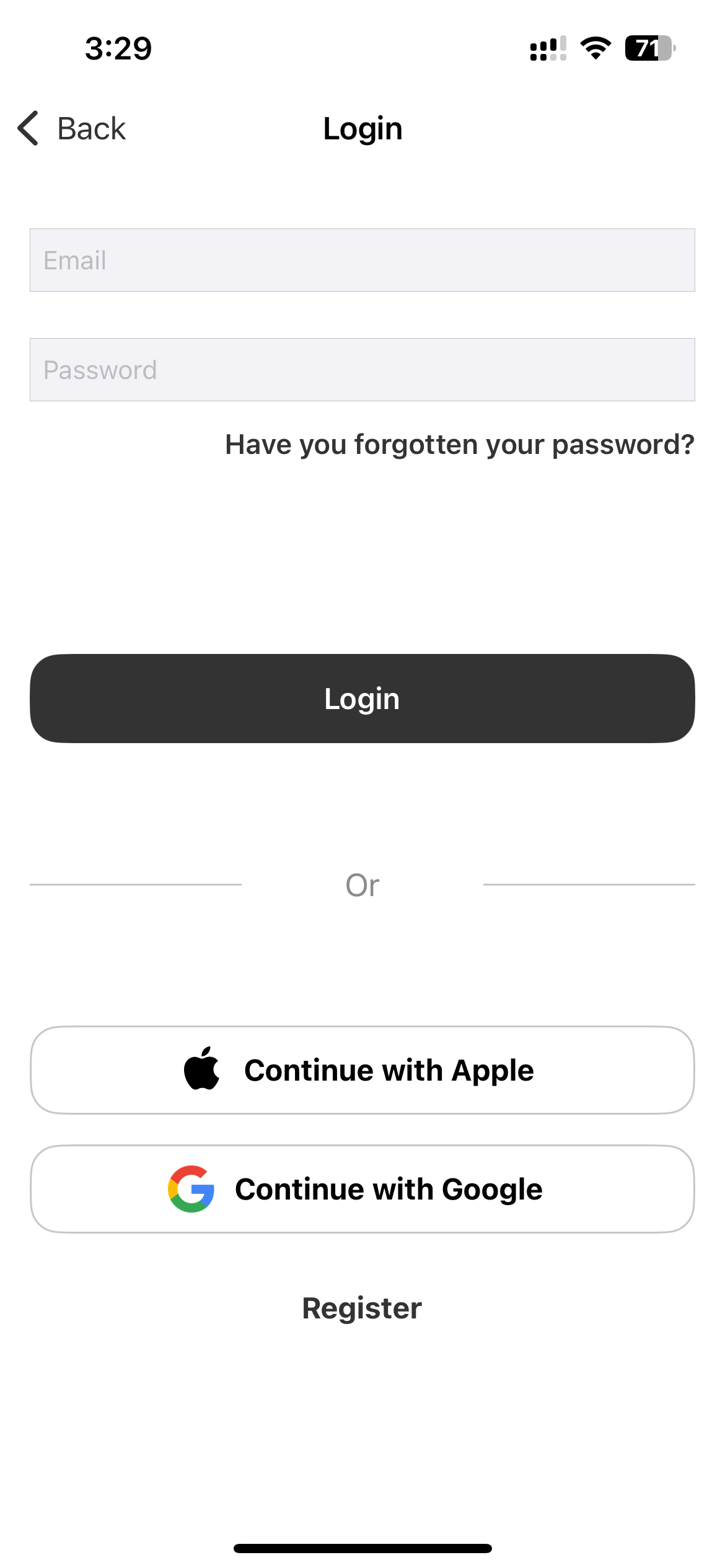
If you already have an account, tap Login on the entry screen and enter your credentials.
Forgot Password
- Tap Have you forgotten your password? on the login screen.
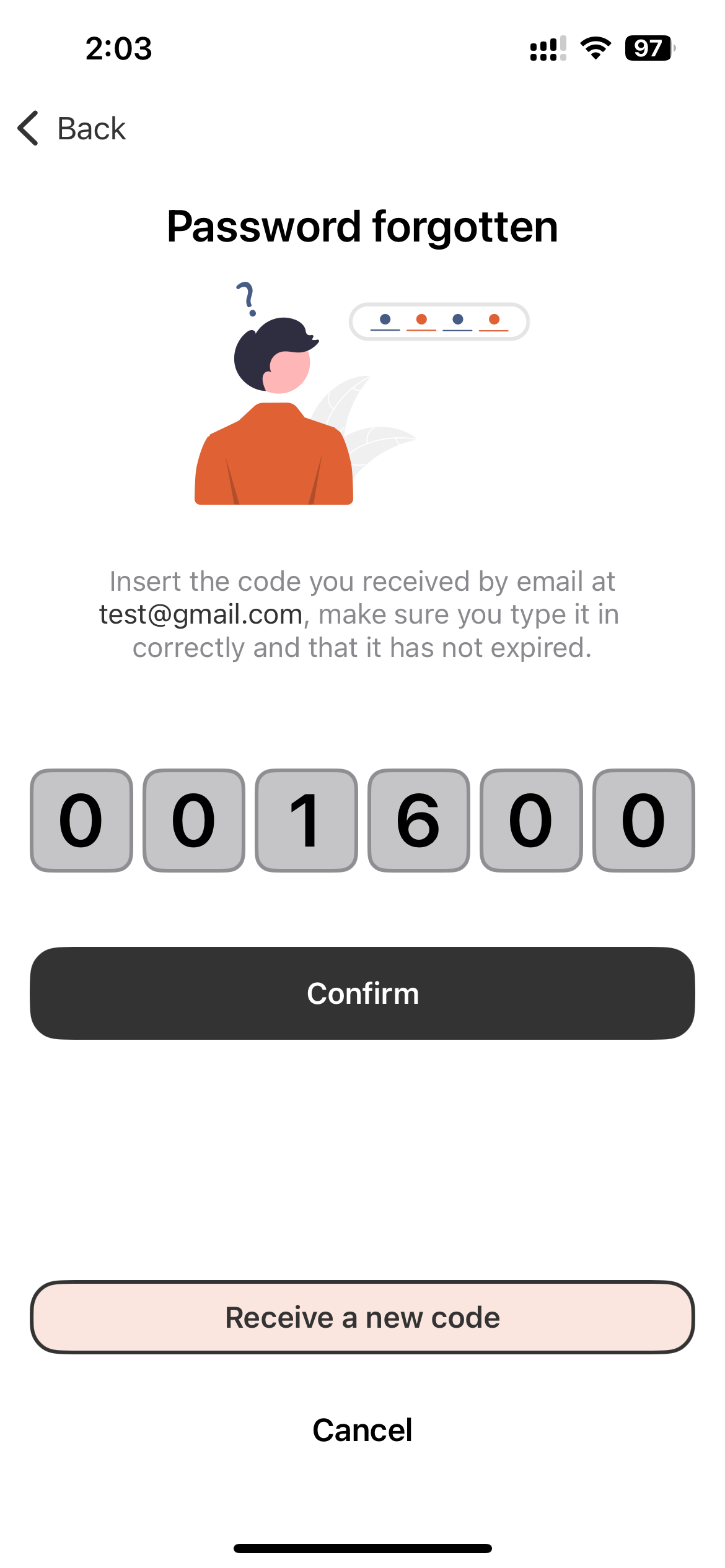
- Enter your registered email address to receive a confirmation code.
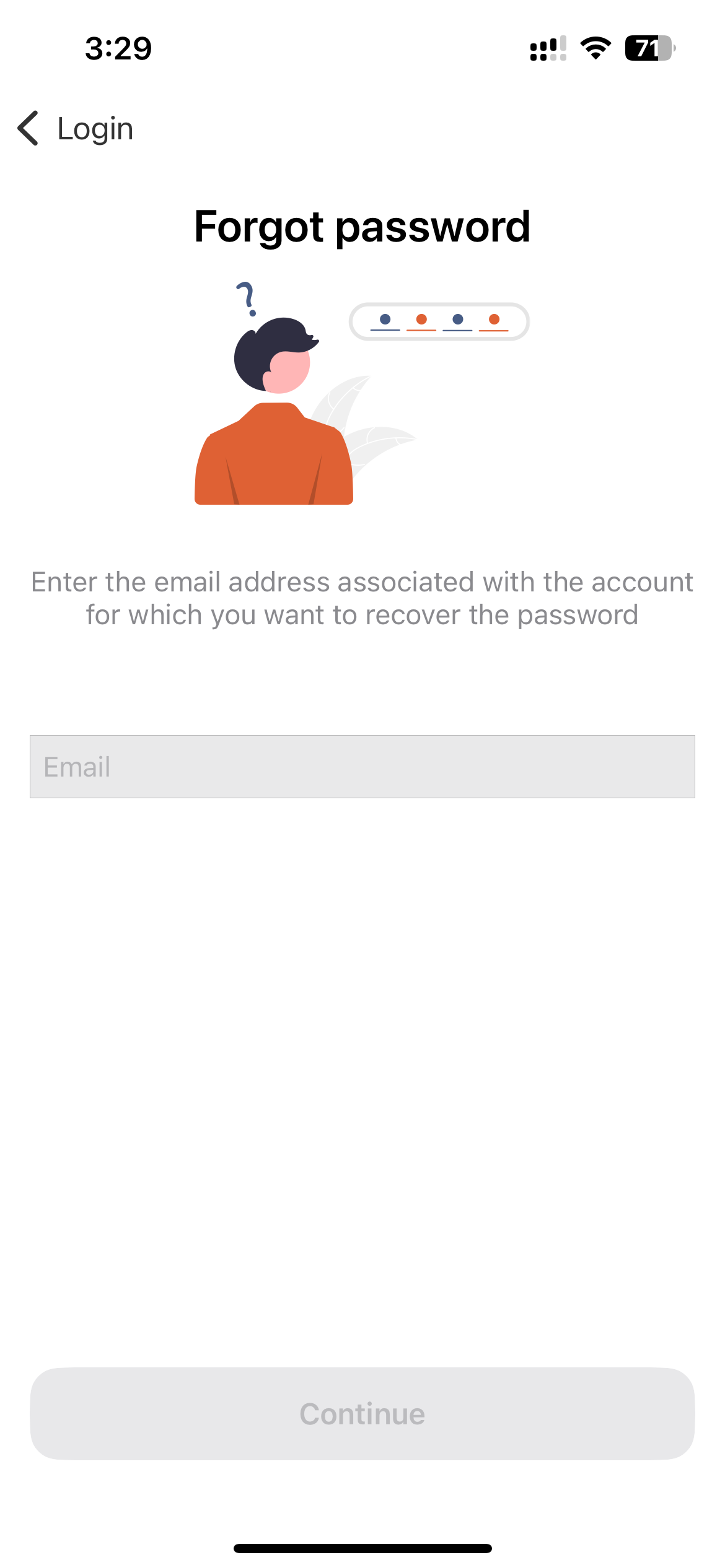
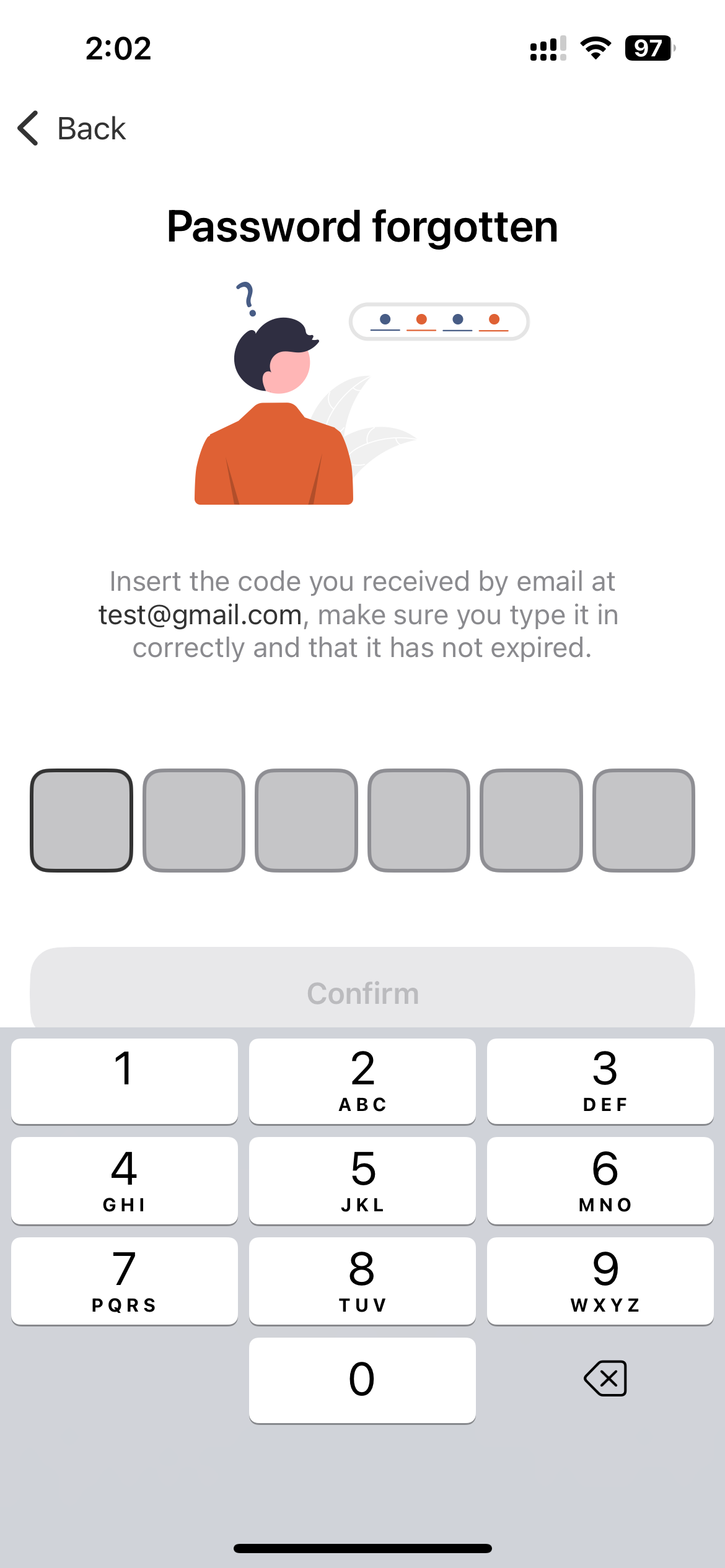
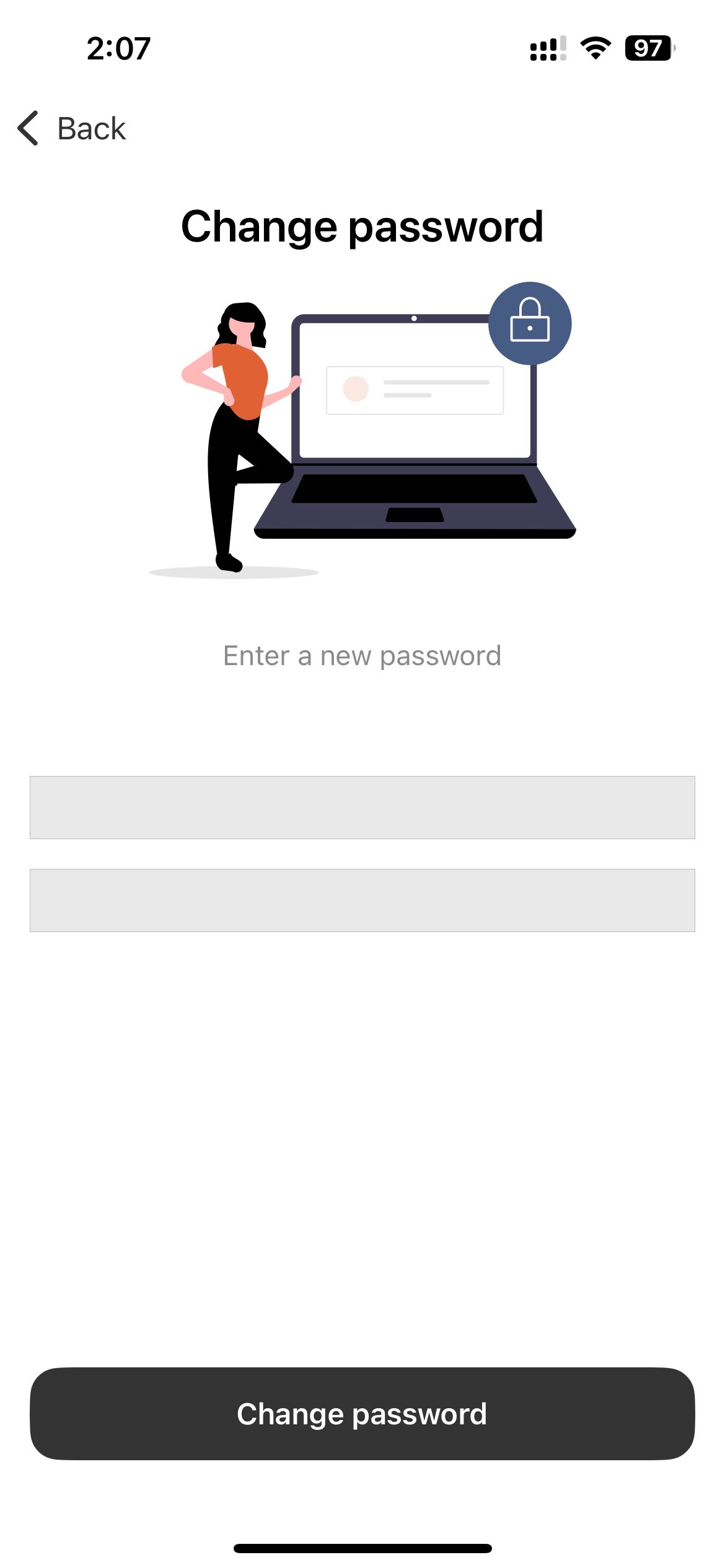
- Enter the confirmation code and set a new password.