Aquarea Heat Pump Controls
Home Screen
When an Aquarea heat pump is configured, it appears in the lower section of the home screen, separate from other climate devices. The example below shows a home with one Aquarea configured with two zones and domestic hot water.
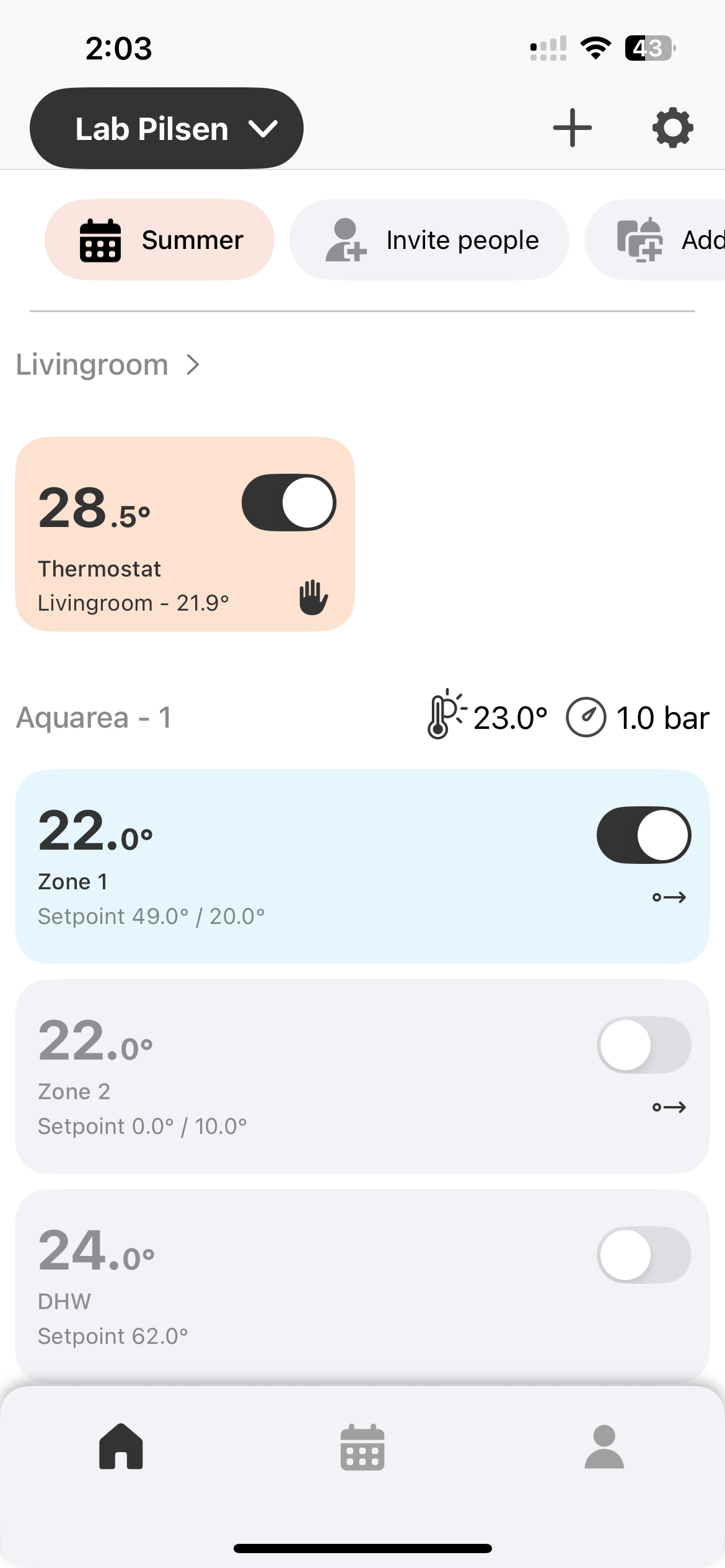
Tap the Aquarea to access its controls. The interface depends on how the installer has configured the unit.
Temperature Curve Mode
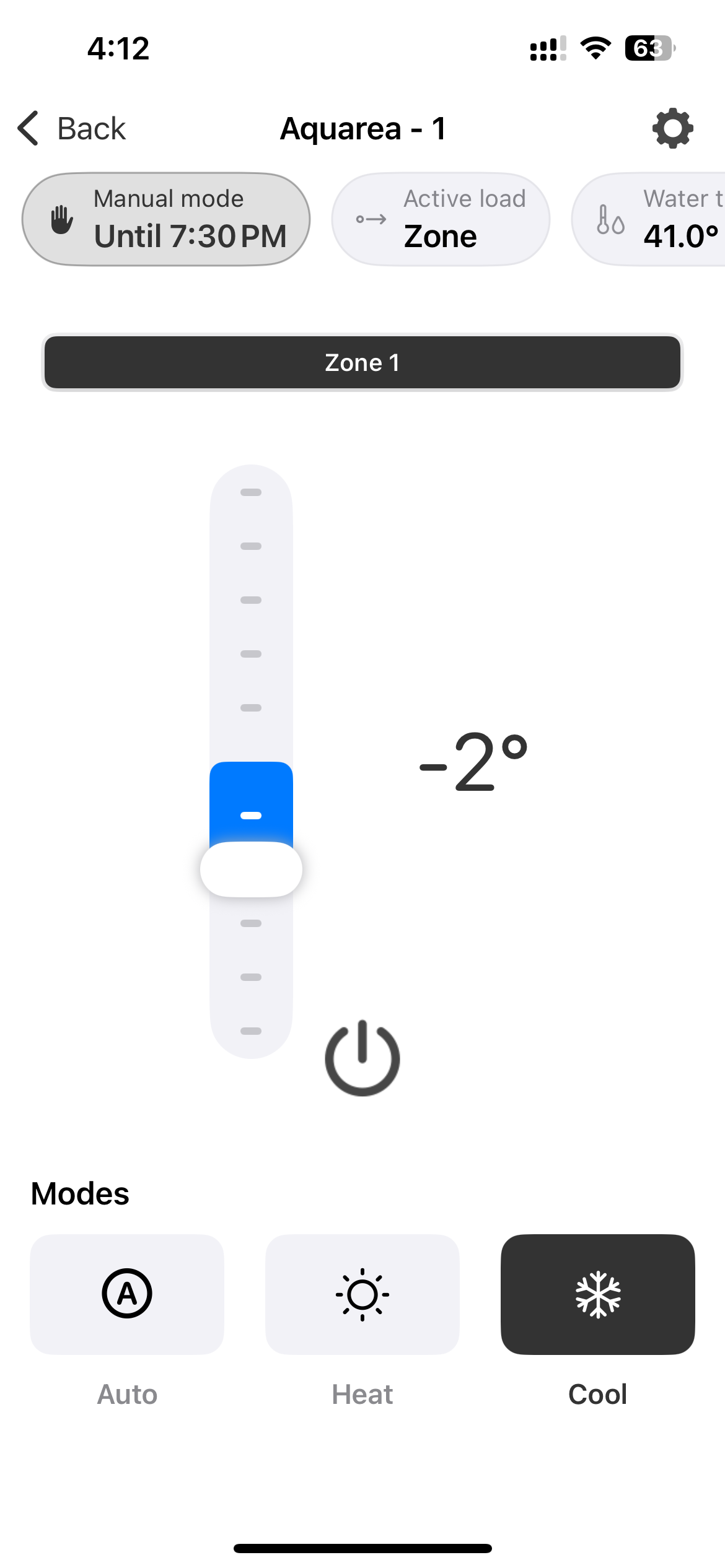
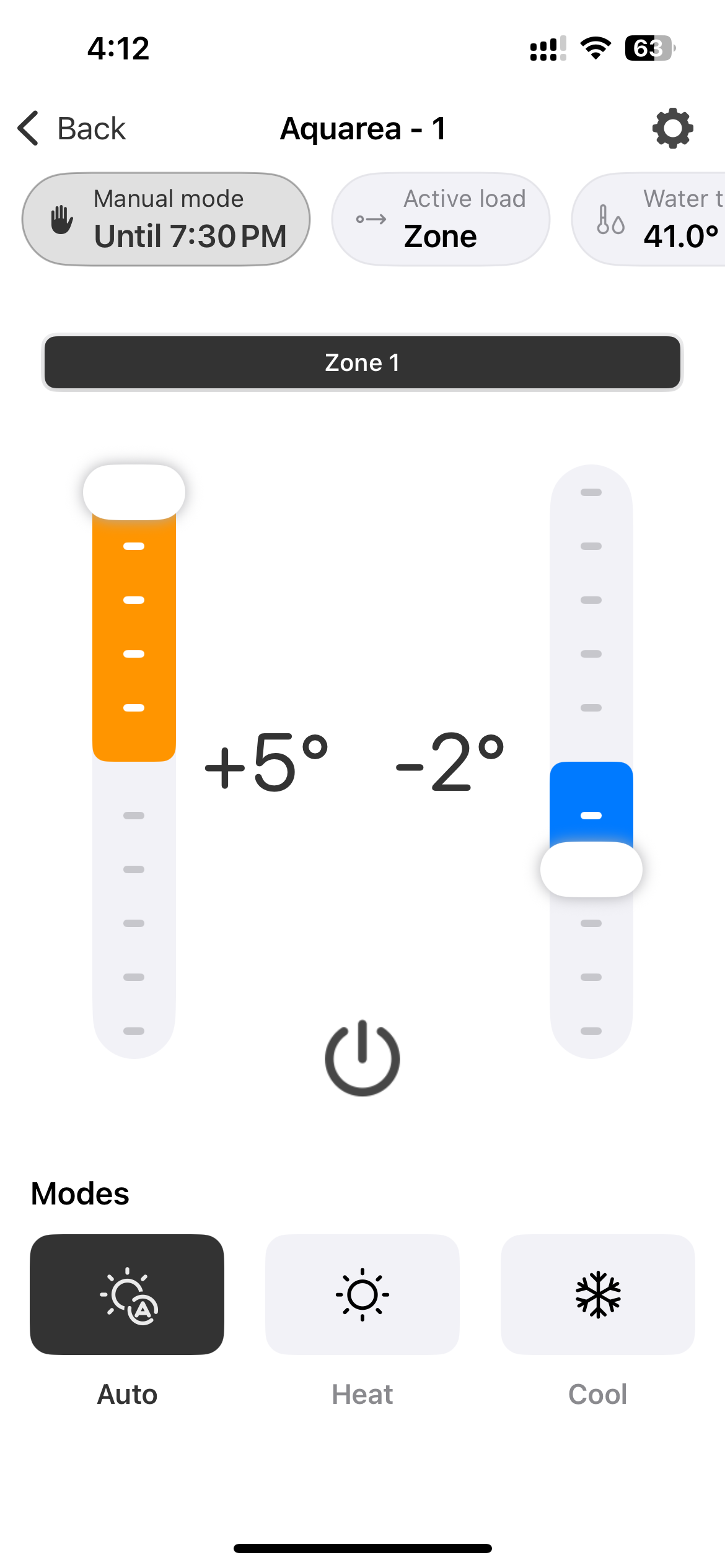
When the Aquarea uses a temperature compensation curve to compute its setpoint, the interface shows vertical temperature sliders that let you apply an offset to the calculated value.
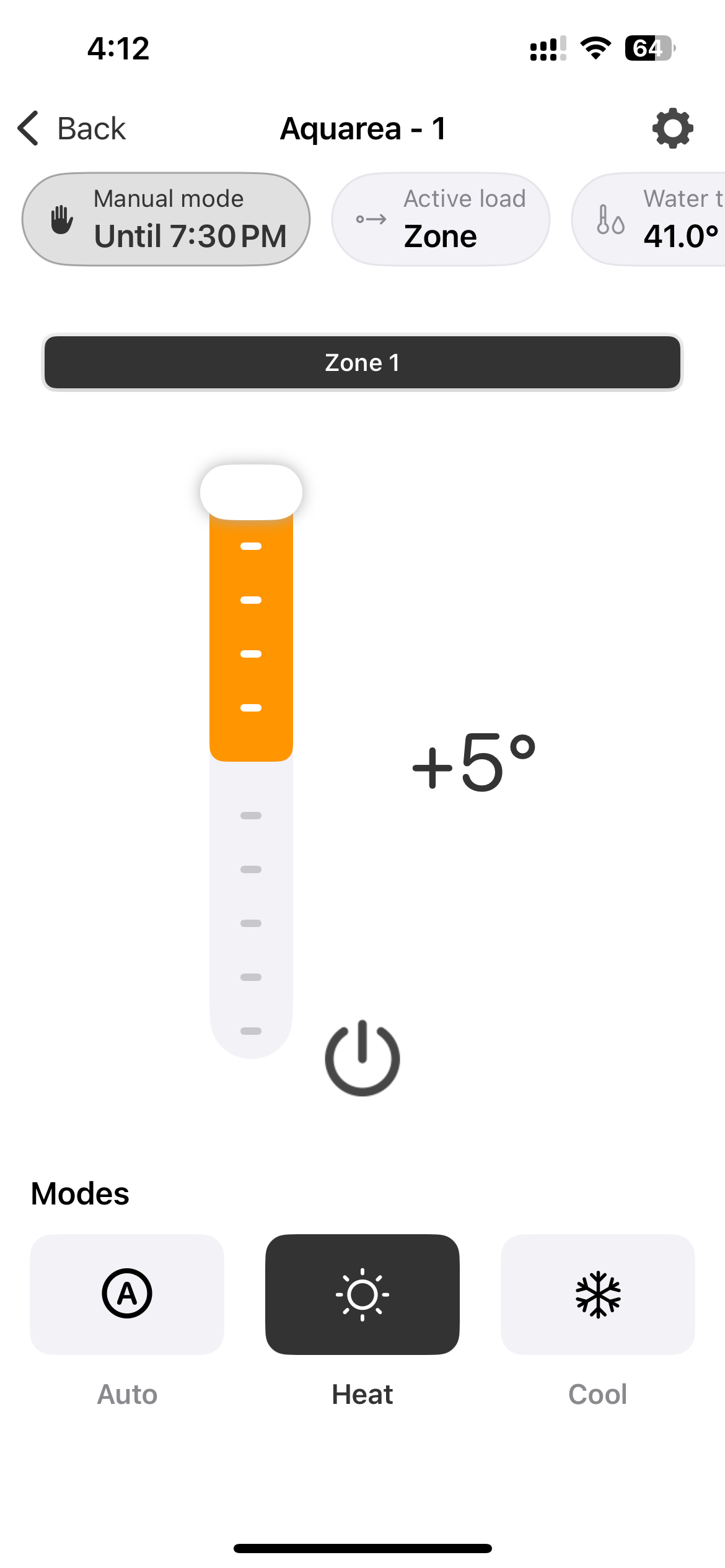
Direct Setpoint Mode
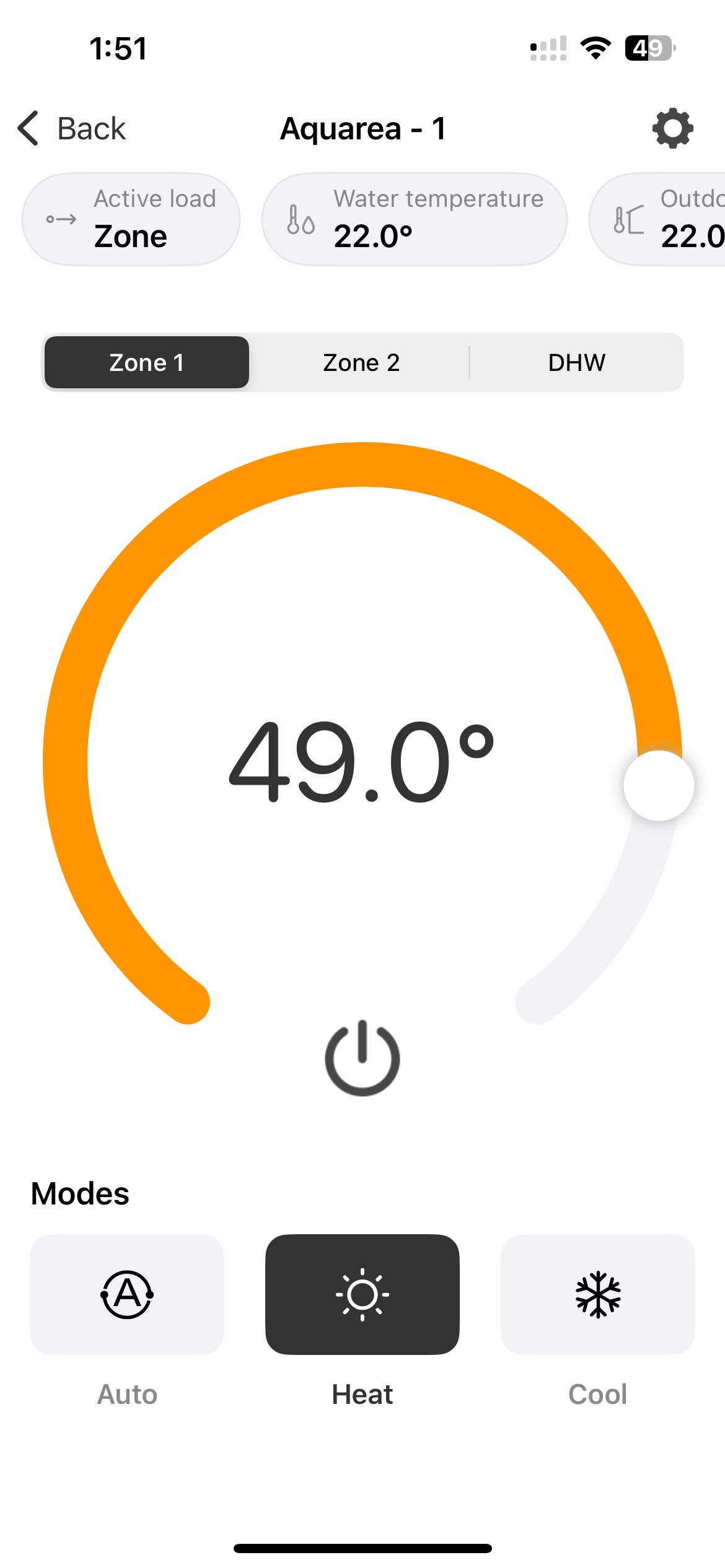
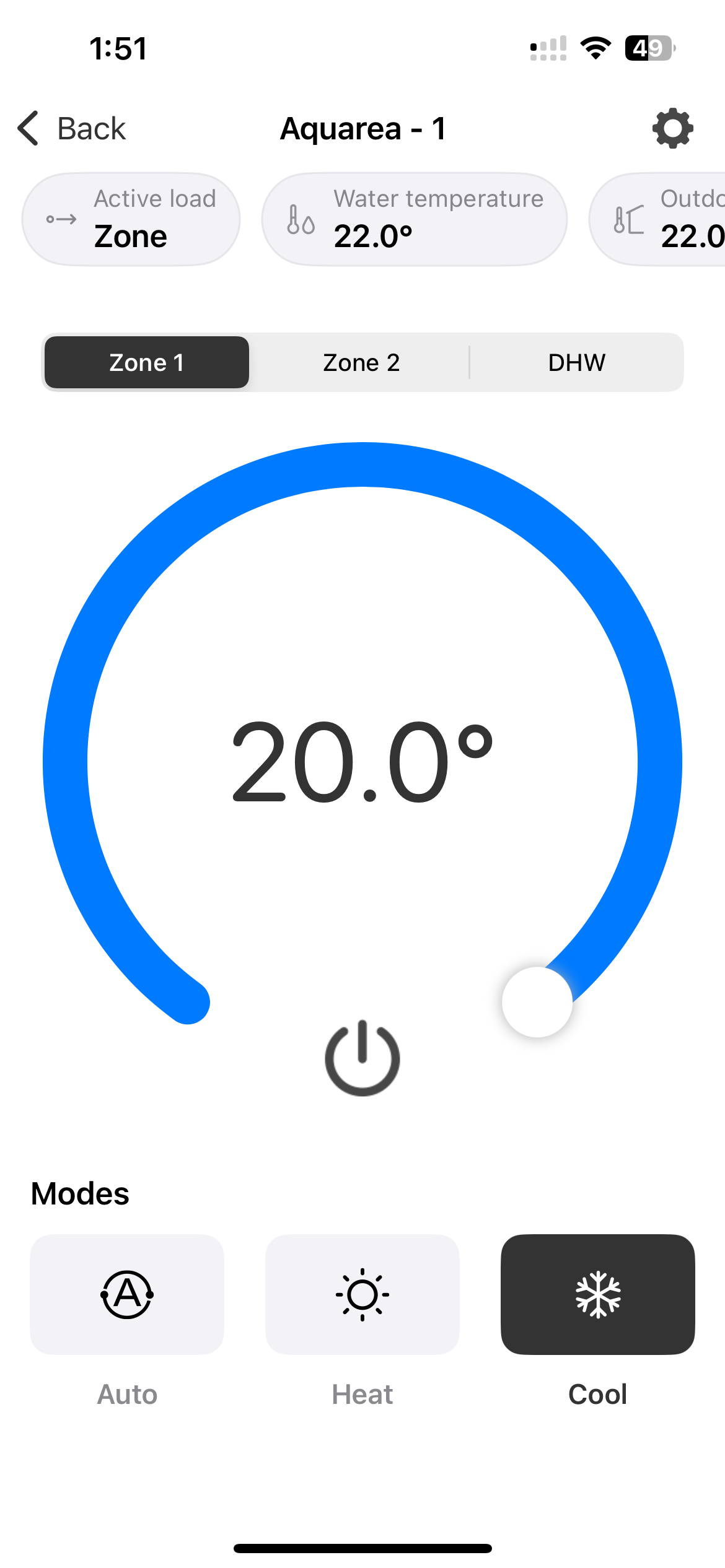
When the Aquarea is not using a temperature curve, you can set the target temperature directly.
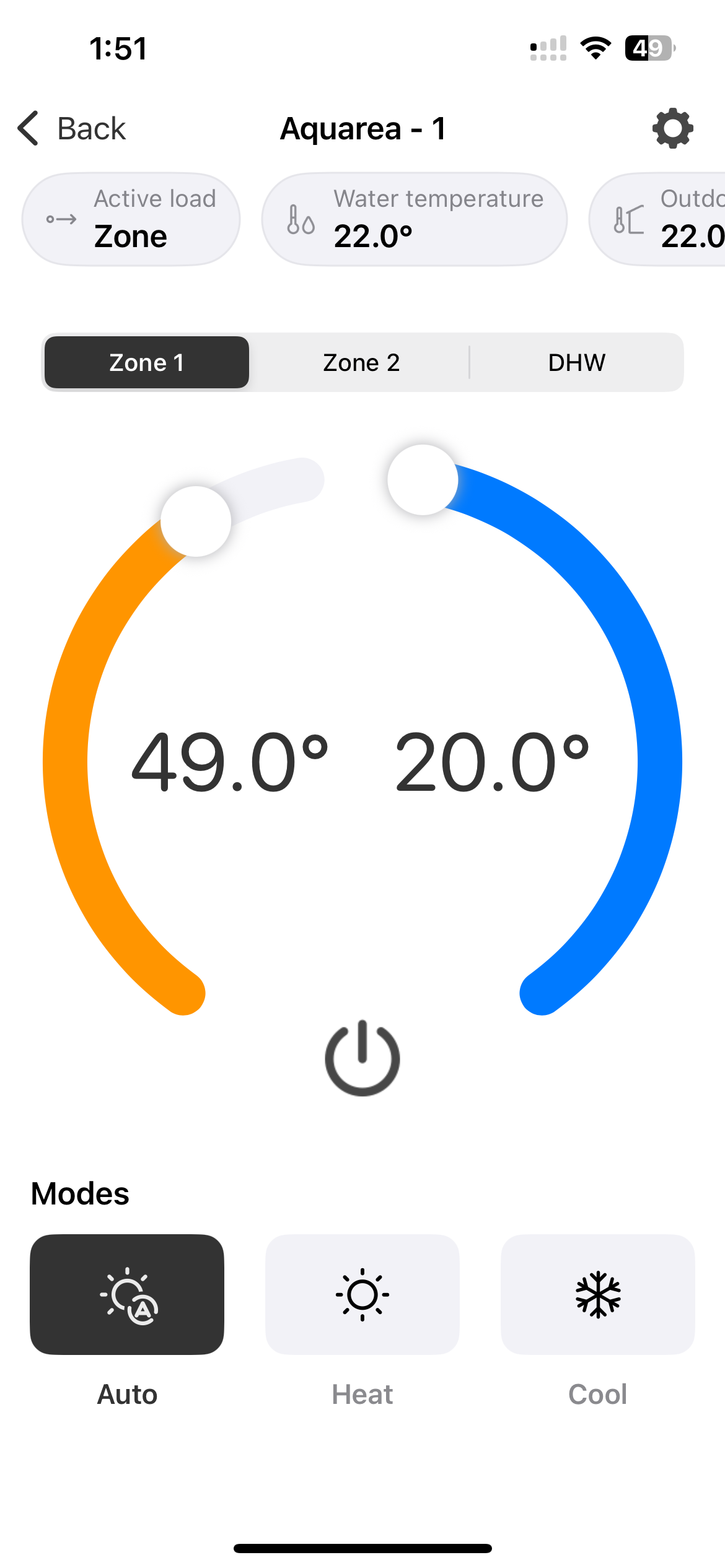
Available modes:
| Mode | Description |
|---|---|
| Auto | System switches between heating and cooling automatically |
| Heat | Heating only |
| Cool | Cooling only |
Domestic Hot Water
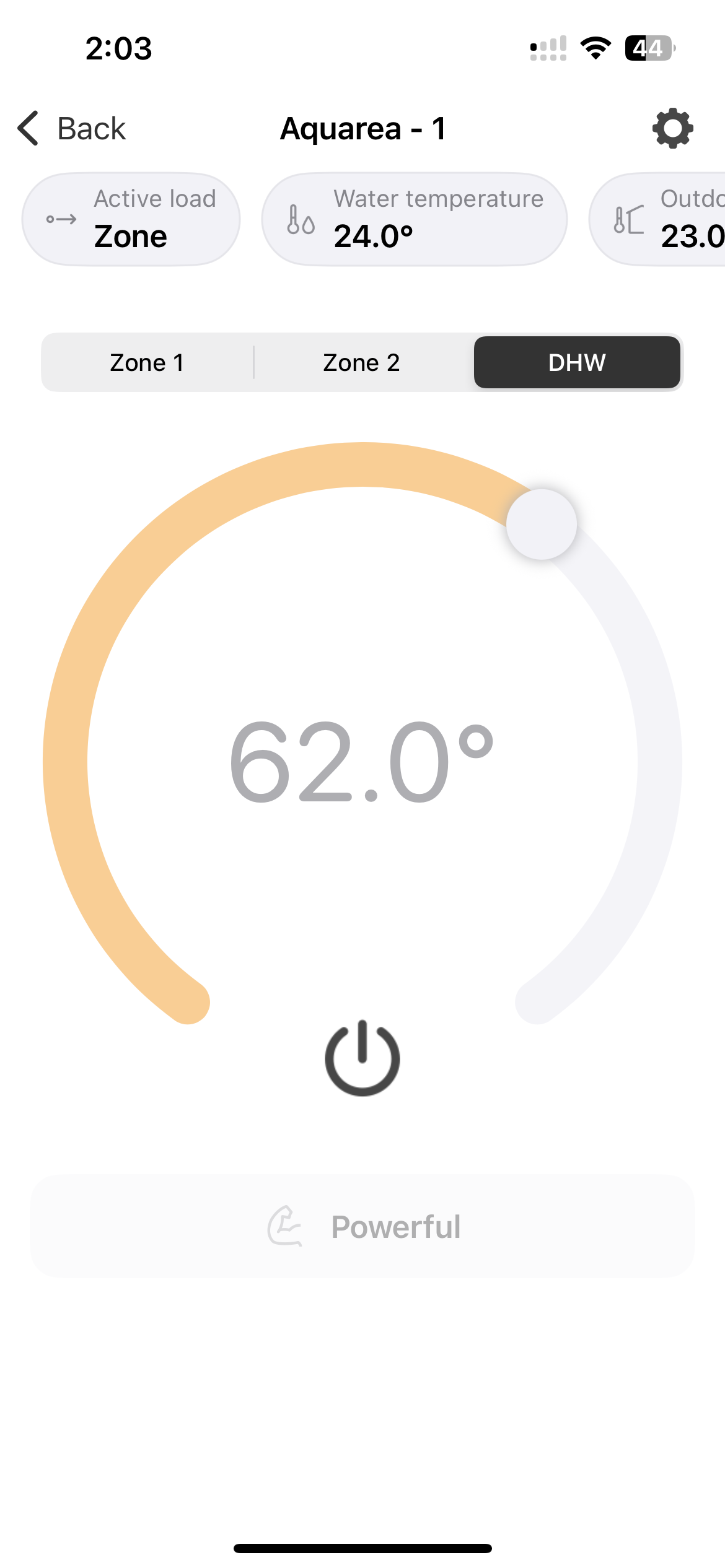
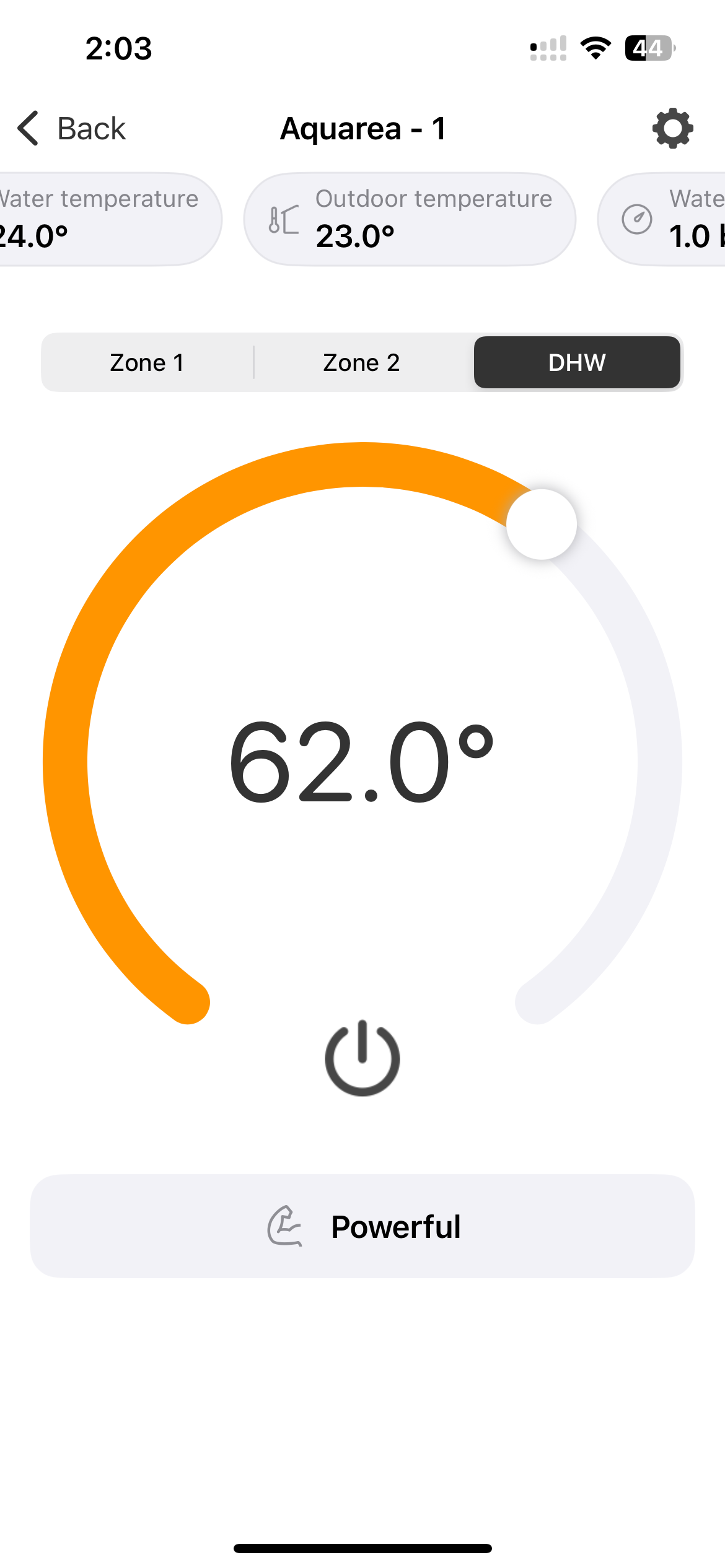
For domestic hot water (DHW), the view lets you set the target hot water temperature and toggle DHW on or off.
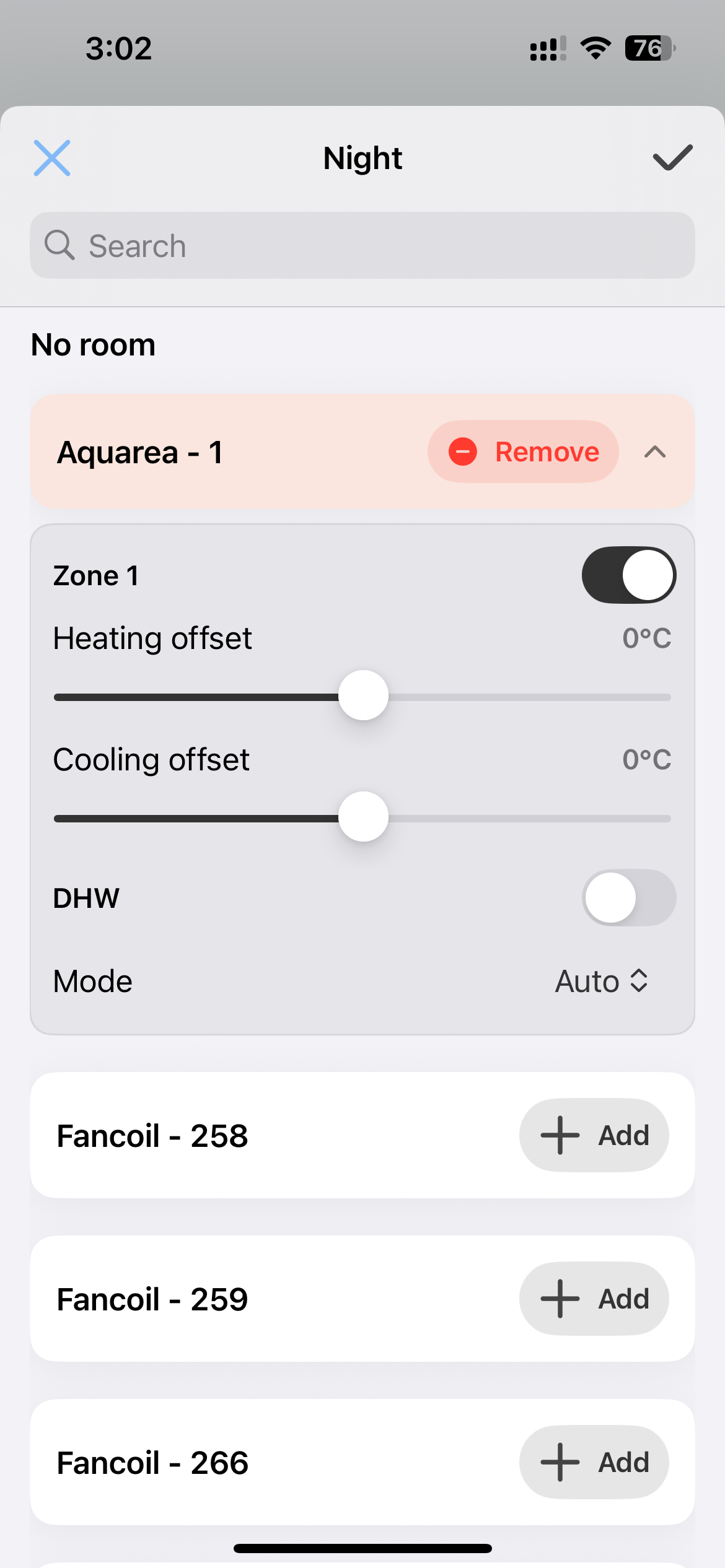
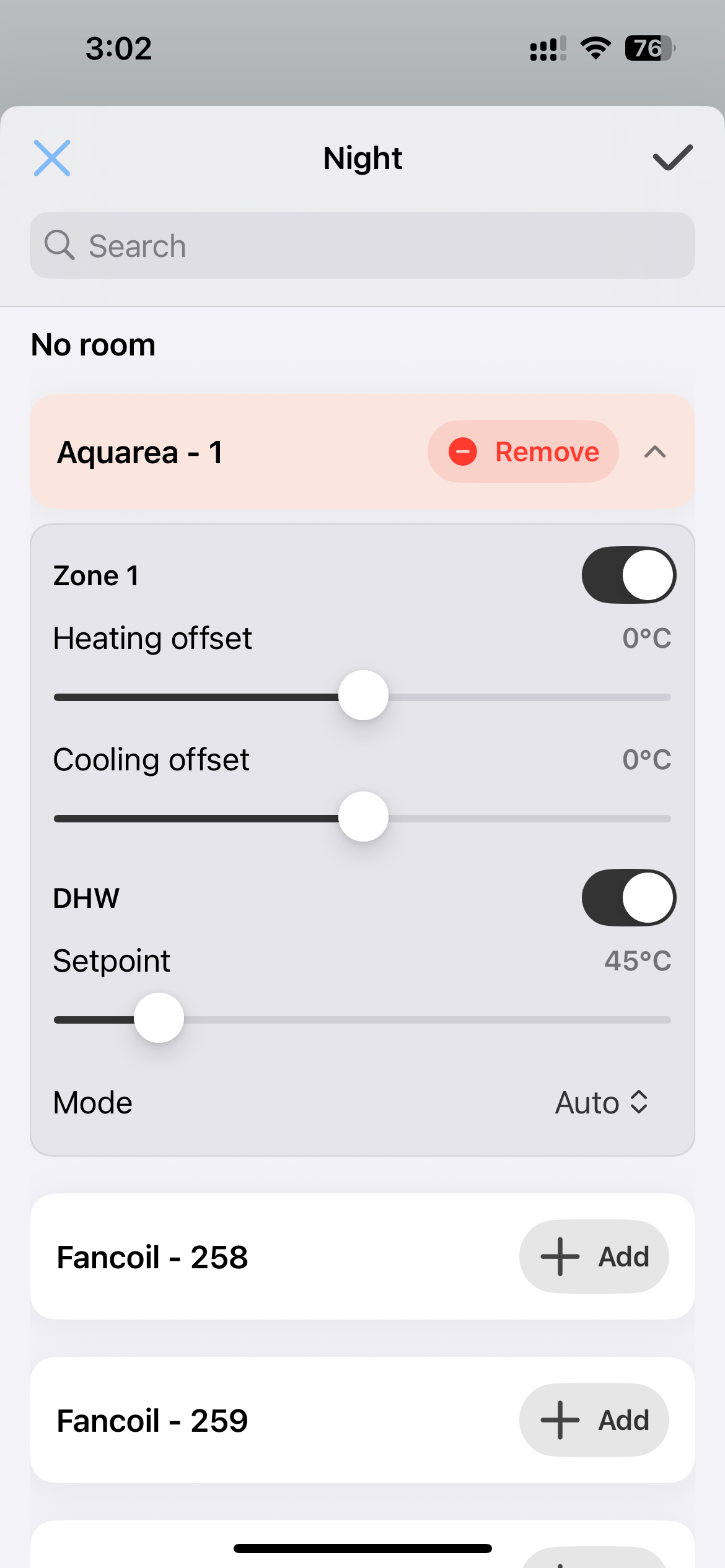
Aquarea Preset Settings
When configuring presets for a calendar, you can define Aquarea-specific settings per preset — including the temperature offset (or direct setpoint) and the operating mode.